
Find me a route: how MotoBFF builds a loop from where you are
The short answer
Find me a route in MotoBFF builds a motorcycle route from where you are. You pick a start, round trip or one way, how far, which way and what kind of road (Fast, No motorways, Winding or Twisty), and it finds a route with its length, riding time and how twisty it is. Free riders get 5 route generations, used when you save a found route, and MotoBFF Pro has no limit.
Three free hours, a full tank, and no wish to spend the first one staring at a map. Tell Find me a route roughly what you want, and it finds the bends.
How it works
Open the Routes tab and tap Find me a route. There are four things to choose, and none of them takes long.
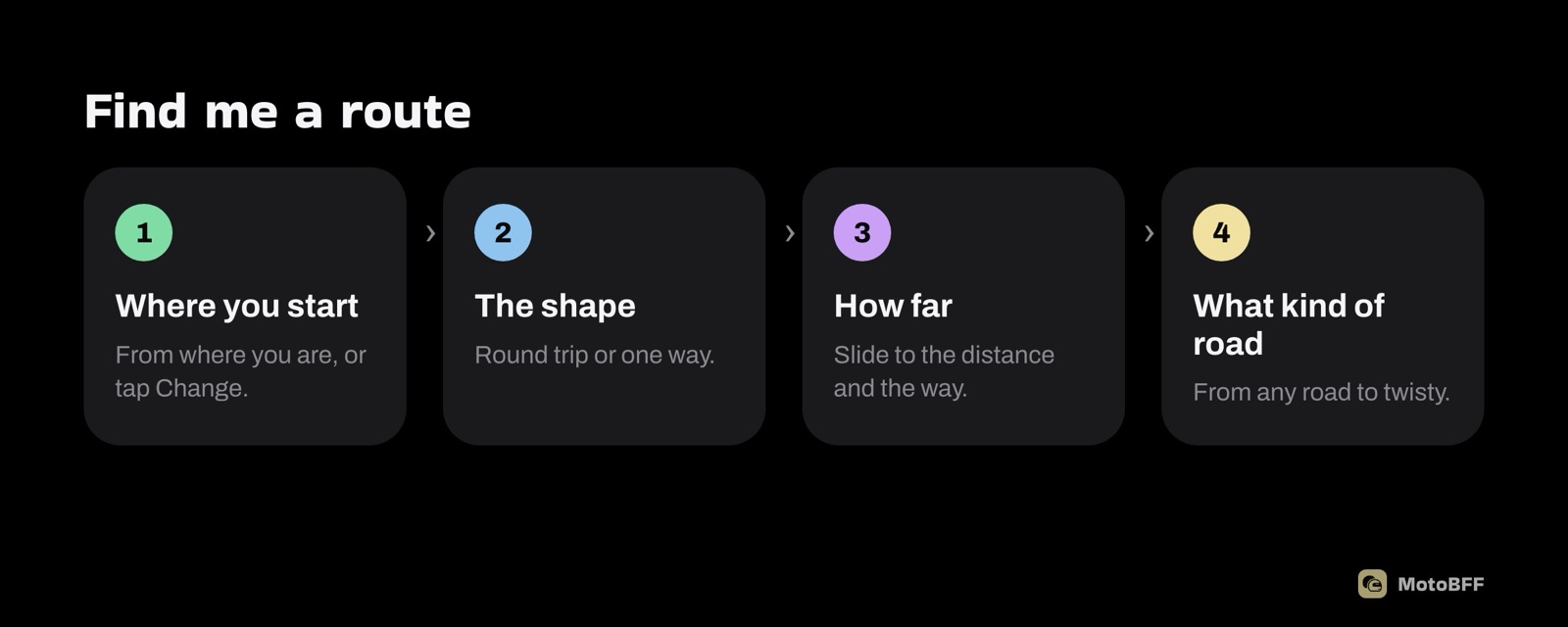
1. Where you start. It starts from where you are. Tap Change to drop the start somewhere else: the café where your friends meet, or the town at the bottom of the hills.
2. The shape. Round trip brings you back to the start. One way ends somewhere else, which suits a ride to a group ride's meeting point or the first leg of a weekend away.
3. How far, and which way. Slide to the distance you want. The number next to it shows the tolerance, so a 120 km ask can come back a little shorter or longer. Then pick a direction on the compass, or leave it on Any direction.
4. What kind of road.
| Choice | What it means |
|---|---|
| Any road | Whatever the map finds. No fuss. |
| Fast | Get there. Straight is fine. |
| No motorways | Back roads only, even if it's slower. |
| Winding | Corners with a rhythm. Easy flow. |
| Twisty | Every corner the map can find. |
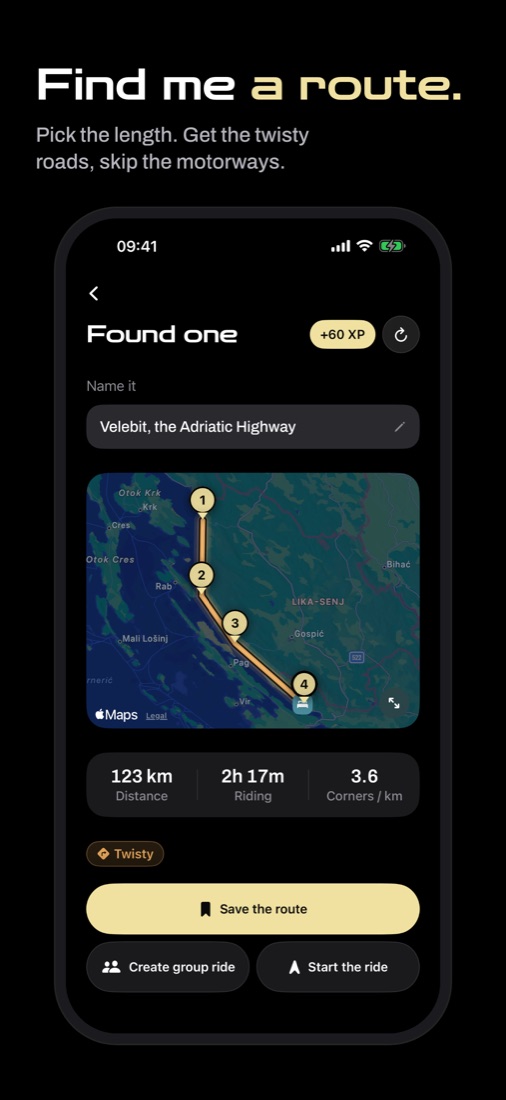
Tap Find me a route. While it works you'll see lines like "Counting the bends…". Then you get a route on the map with its distance, riding time and corners per kilometre. Don't like it? Tap Find another.
What the label on a route means
Every route gets a label for its character: Motorway, Cruising, Flowing, Twisty or Technical. It isn't typed in by anyone. MotoBFF works it out from the shape of the line, so a route that says Twisty has the corners to back it up.
Two 150 km routes can be a morning of switchbacks or two hours of dual carriageway, and distance alone won't tell you which.
Save, send or ride
Once you have a route you like, you have three options:
- Save the route. It goes into Your routes, named and ready for next time.
- Create group ride. Post a ride with this route attached, so riders who join know where they're going.
- Start the ride. Hands the route to Apple Maps or Google Maps for turn-by-turn directions.
Places riders recommend near the route, within about 4 km of it, show up under it. Useful when you want to know where the coffee is before you leave.
Route generations
Free riders get 5 route generations in total. One is used when you save a route that Find me a route found. Looking costs nothing: you can tap Find another as often as you like, and Start the ride doesn't use one either.
They don't reset each month, and deleting a route doesn't give one back. Make your own route, where you pick the stops yourself, never uses one. MotoBFF Pro has no limit.
How to get a good loop
- Point it at the hills. Direction matters more than distance. If the twisty roads near you are north, pick north, and the loop will spend its middle there.
- Ask for a bit less than you think. Riding time on twisty roads adds up. A 120 km Twisty loop can fill a morning with a coffee stop.
- Pick Winding for groups. Twisty finds every corner, which is great alone and tiring for a mixed group. Winding keeps a rhythm everyone can follow.
- Use No motorways near cities. It gets you out on the back roads, even if it takes longer.
- Ride it before you publish it. A found route is a good guess, not a road someone has checked. Ride it, then publish it so other riders can use it. See how to publish and rate routes.
Questions riders ask
How does Find me a route work in MotoBFF?
You pick a start, round trip or one way, a distance, a direction and a kind of road (Any road, Fast, No motorways, Winding or Twisty). MotoBFF finds a route that fits and shows its distance, riding time and how twisty it is.
How many routes can I generate for free on MotoBFF?
Free riders get 5 route generations in total, and one is used when you save a route that Find me a route found. Starting the ride without saving doesn't use one, and MotoBFF Pro has no limit.
Can I use MotoBFF routes for turn-by-turn navigation?
Yes. Tap Start the ride and MotoBFF hands the route to Apple Maps or Google Maps for directions.